 GTS
GTSCenturion ALPR Command Center
Find the vehicle. Understand the activity.
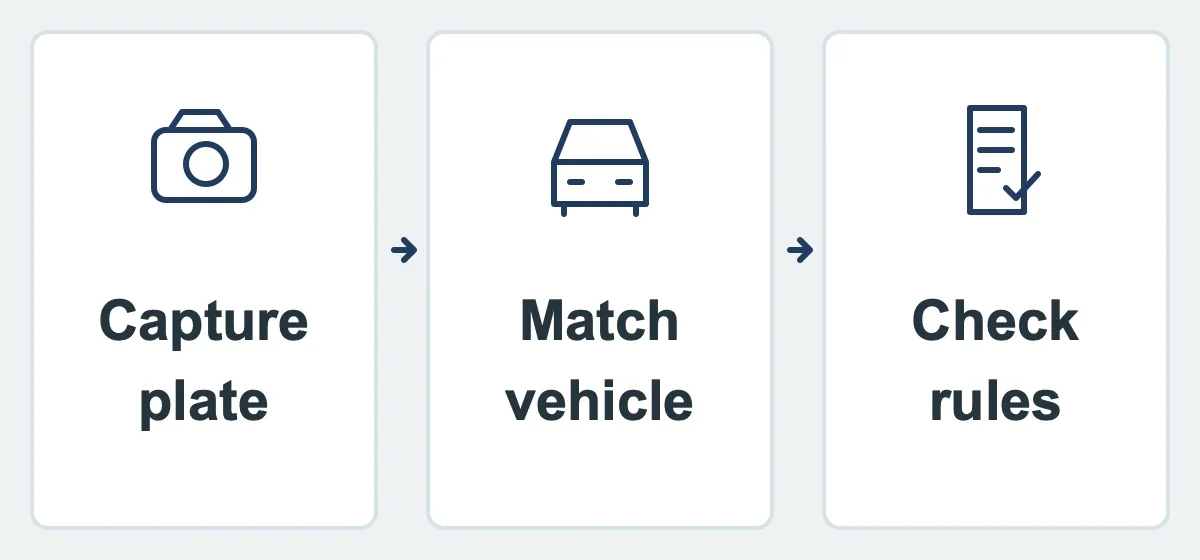
Automatic license plate recognition (ALPR) reads plates from camera images. In Centurion, authorized staff can search those records, review the associated images and see related visitor or access activity when following up on a vehicle.
Start with the visitor lane
At the visitor lane, a captured plate can be attached to the ZUUL visitor log so staff can find the arrival later. Existing radio-frequency identification (RFID) tags and other access credentials can continue to control entry; recording a plate does not replace them.
Expand your view
Optional Advanced Make, Model and Color (MMC) recognition adds more vehicle details for searches and review. Additional licensing and camera coverage can extend ALPR and vehicle recognition to resident and exit lanes. The separate license plate recognition (LPR) Entry option uses authorized plates for entry; recording a plate alone is not permission to enter.
Turn records into answers
Managers can examine traffic by time of day and compare periods to understand when entrances are busiest. Charts and heat maps make those patterns easier to spot. Staff looking for a particular vehicle can filter by available plate, vehicle, entrance, lane, direction and date details, review images or tables, and export supported reports.
Keep the evidence in context
Staff can review the original image alongside a plate result rather than relying on text alone. Read quality depends on the camera, view, lighting, plate condition and installation. An uncertain reading needs review; it should not be treated as proof of a person's identity.
Explore related capabilities
 Request a Demo