 GTS
ZUUL Key and Centurion Access Control
Convenient entry, guided by your community's rules.
Let residents open authorized gates and doors with the ZUUL app, or keep using compatible cards and fobs. Your community decides who can use each entrance and at what times.
Your phone, your access
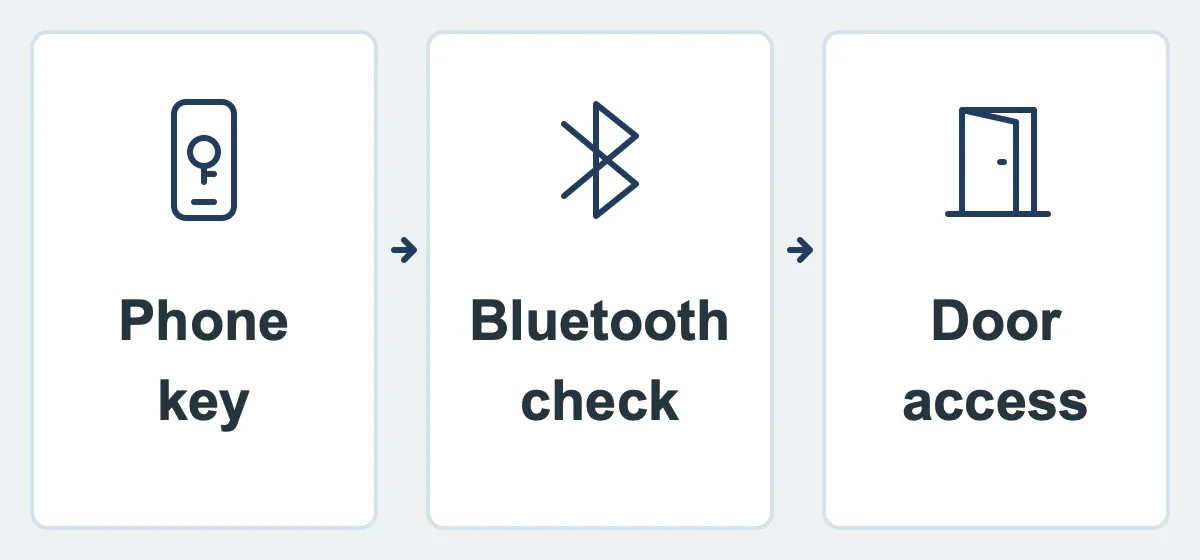
A resident taps ZUUL Key in the app to request entry at an authorized door or gate. The community can require a geofence, which checks the phone's location, or Bluetooth proximity, which checks that the phone is close to the entrance. It can also require both checks.
Mobile access is tied to the registered installation of the app on the user's device. This helps reduce the ability to share access simply by giving someone a login. Your community controls which doors each person may use and when.
Keep the credentials people already use
Compatible access cards, fobs, radio-frequency identification (RFID) tags and barcode credentials can remain in use. Communities upgrading an entrance can also choose supported high-security readers, cards and fobs.
Visitor access stays separate
If community policy allows it, visitors can receive temporary mobile access limited to selected doors and times. A guest does not automatically receive all the access a resident has.
Door access and amenity programs work together
Door controls manage a physical entry point. The optional Amenity Management module adds guest passes, attendant validation, check-in and usage reporting. An attendant-managed pool or beach can use amenity check-in without requiring a door reader.
Explore related capabilities
 Request a Demo